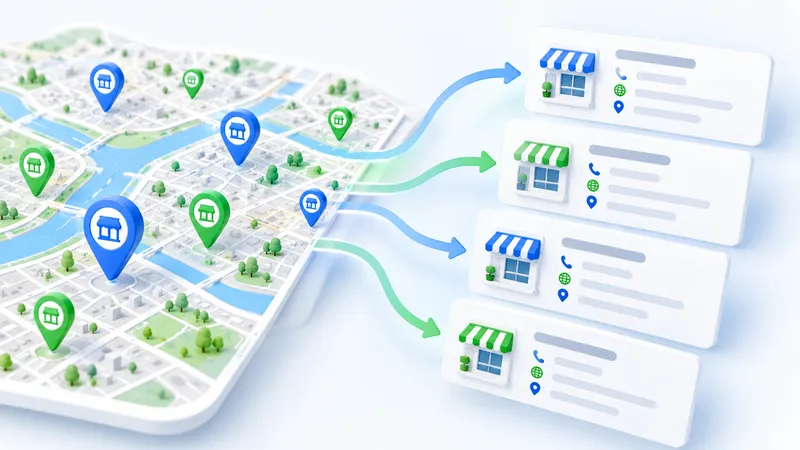
Google Maps lists almost every local business with a phone number, a website and a rating. If you sell to dentists, restaurants or car dealers, that is your prospect list. The hard part is getting it out of the map and into a spreadsheet. We compared seven free ways to do it and wrote down where each one stops being free.
If you just want the file, paste a search link into our free Google Maps scraper and the results come to your email, usually within an hour.
What you can export from Google Maps
Every business profile shows the same set of public fields, so any scraper works with roughly this list:
- Business name and category
- Address, postal code and coordinates
- Phone number and website
- Rating and number of reviews
- Opening hours
- Link to the place on Google Maps
Email addresses are not part of the profile. They sit on the company website, so you need a second step that visits each site. We come back to that in the section about cleaning the list.
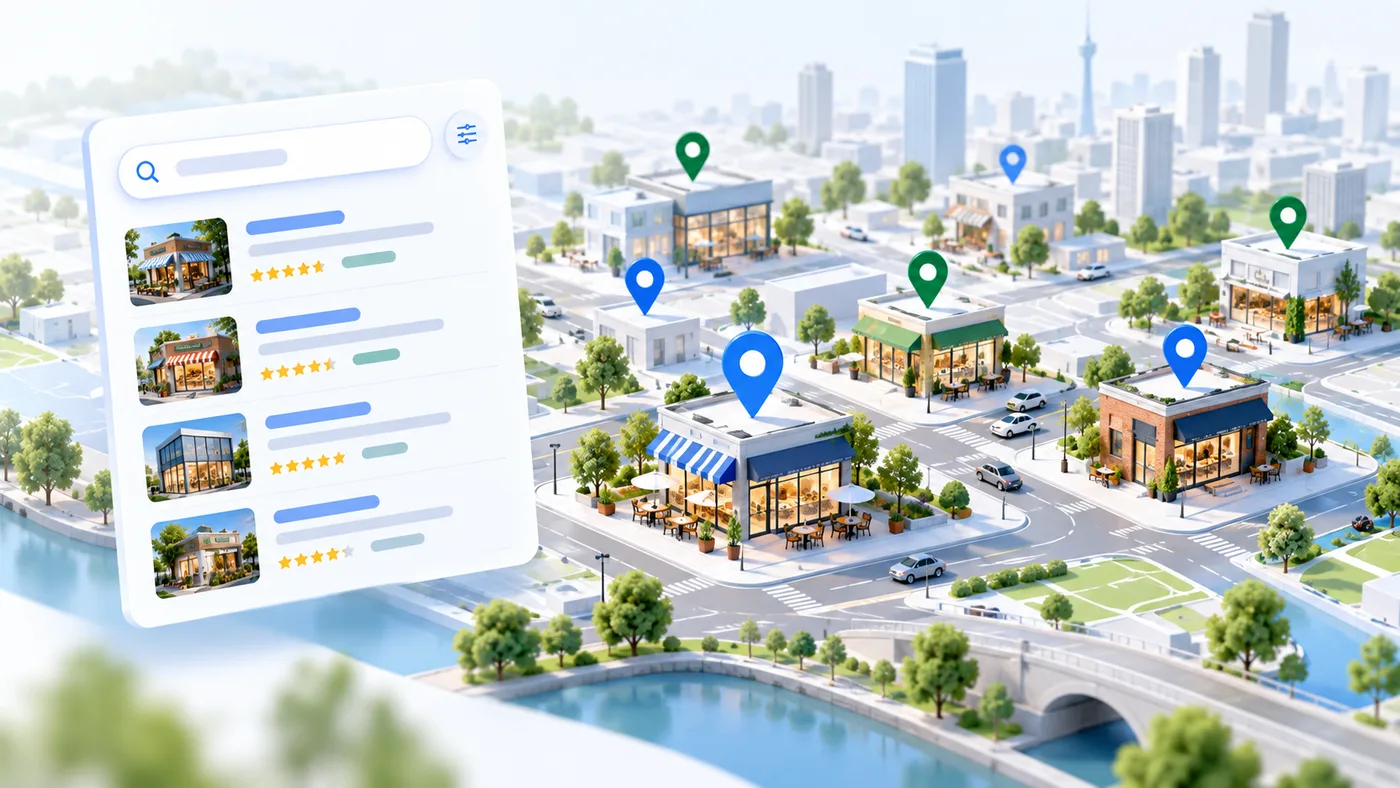
Seven free ways to scrape Google Maps
1. Copy and paste by hand
Search, open each place and copy the details into a sheet. It costs nothing and works for twenty or thirty companies. At around a minute per business, a list of a hundred takes most of an afternoon.
2. Chrome extensions
Free extensions such as Instant Data Scraper read the result list open in your browser and save it as CSV or XLSX. They are the fastest way to test an idea. They only see the places already loaded on screen, and they tend to break after Google changes the page layout.
3. Apify
Apify runs ready-made Google Maps scrapers in the cloud. The free plan comes with $5 of platform credit each month (Apify pricing), enough for a small test run. Bigger runs are billed per thousand places.
4. Outscraper
An online Google Maps scraper with pay-as-you-go pricing. According to its website, the first 500 businesses are free. Handy when you need one city and one category.
5. Octoparse
A no-code desktop app with a ready Google Maps template. The free plan limits the number of tasks, and the scraper runs on your own computer, so the PC has to stay on until it finishes.
6. Google Places API
The official route. Since March 2025 Google gives each Places API tier a free monthly allowance instead of the old $200 credit. For most SKUs that is 10,000 requests for Essentials, 5,000 for Pro and 1,000 for Enterprise (Google Maps Platform pricing). The price depends on the fields you request, and phone numbers and websites are Enterprise fields. One Text Search request returns up to 20 places and at most 60 across all pages. You still need a Google Cloud account, an API key and some code.
7. Open-source Python scrapers
GitHub has free scrapers built on Playwright or Selenium. The code costs nothing. Running it, fixing it after every Google update and getting around blocks is on you.
Side-by-side comparison
| Method | Free allowance | Phone and website | Effort | Export |
|---|---|---|---|---|
| Copy and paste | Unlimited, slow | Yes | Very high | Manual |
| Chrome extension | What is loaded on screen | Partly | Low | CSV, XLSX |
| Apify | $5 credit per month | Yes | Medium | CSV, Excel, JSON |
| Outscraper | First 500 businesses | Yes | Low | CSV, Excel |
| Octoparse | Limited tasks | Yes | Medium | CSV, Excel |
| Places API | 1,000 Enterprise requests per month | Yes | High | Your own code |
| Python on GitHub | Unlimited, self-hosted | Yes | Very high | Your own code |
How to export Google Maps to Excel or CSV
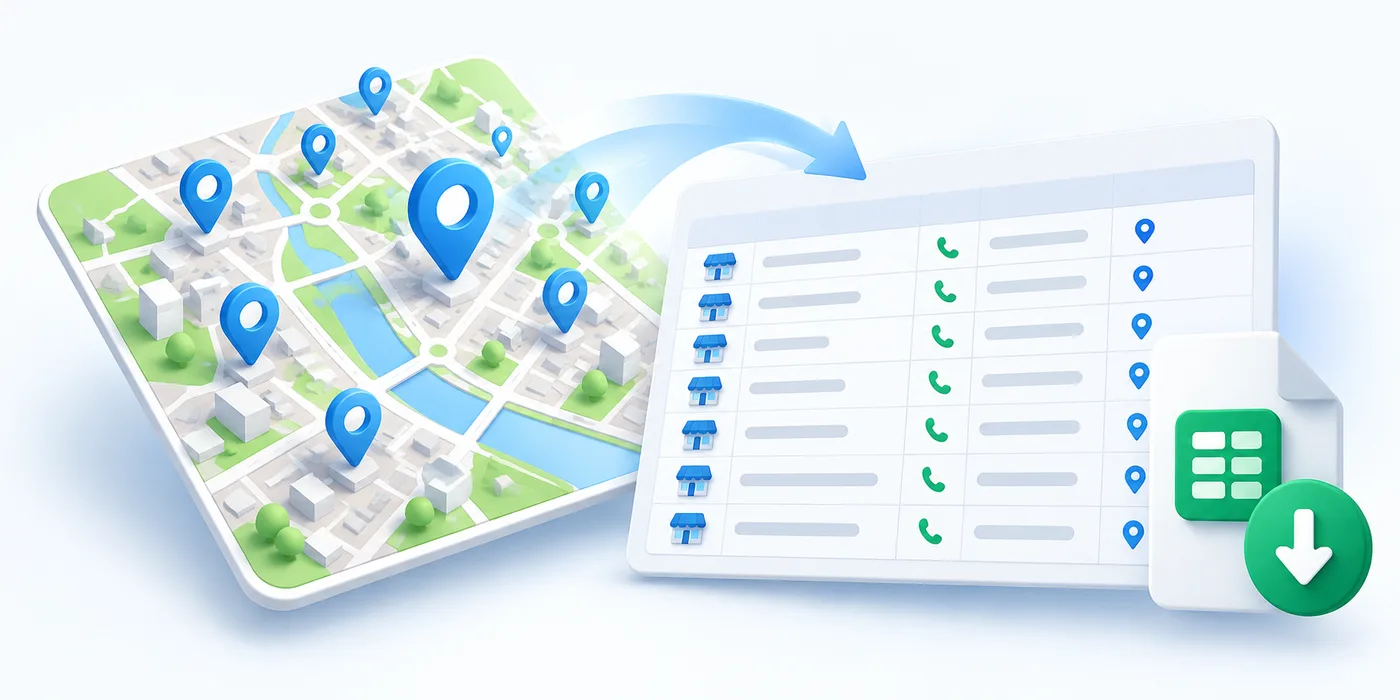
- Pick one category and one area, for example plumbers in Munich.
- Run the scraper or extension on that search.
- Download the result as CSV or XLSX and open it in Excel or Google Sheets.
- Clean the list as described below and import it into your CRM.
Here is what a typical export looks like. The companies are made up, the columns are real:
| Name | Category | City | Phone | Website | Rating |
|---|---|---|---|---|---|
| Smile Dental Studio | Dentist | Berlin | +49 30 1234567 | smile-dental.example | 4.8 (212) |
| Nord Auto Service | Car repair | Hamburg | +49 40 7654321 | nord-auto.example | 4.6 (98) |
| Green Leaf Cafe | Cafe | Munich | +49 89 5550101 | greenleaf.example | 4.7 (341) |
Why one search never returns the whole city
In the browser, the Google Maps list stops after a limited number of places, often somewhere around 120, depending on the query. The Places API Text Search returns at most 60. Either way you never get every business in a big city from one search. To cover a whole city, split it into districts or postal codes, search each one separately, then merge the files. Running nearby categories, such as dentist and orthodontist, picks up businesses the main term misses.
Cleaning the list and finding emails
Raw exports always need a short clean-up before anyone picks up the phone. The same place often appears in two searches, so match rows by the Google Maps place ID first. If you have no ID, compare name, address and coordinates together. Do not merge rows just because the phone or website is the same: branches of one chain often share both. Delete places marked as closed. A missing or dead website usually means a very small business, which may or may not fit your offer.
For emails, visit each website and check the contact page, the footer and, in Germany, the Impressum. Verify every address before you send anything, or your domain reputation will suffer quickly.
When free tools stop being cheap
Free tools are perfect for a test. Once you need volume, you pay with your time instead of money. A rough example from doing it by hand:
| Goal | Typical free approach | Your time |
|---|---|---|
| 50 businesses in one city | Extension or our free scraper | About 30 minutes |
| 1,000 businesses in one city | Extension plus splitting by district | One or two days |
| 10,000 businesses in a country | Paid API or cloud tool | One or two weeks |
Bought business databases look like a shortcut, but they age fast. Numbers change, places close and new ones open every week. A fresh scrape gives you the map as it is today, filtered to exactly your category and area.
If you would rather not do it yourself
This is where Lidly comes in. Paste a search link into our free Google Maps scraper and get the file by email. If you need a whole city or country refreshed every week, we set it up as a data pipeline, from $200 per source, where a source is one site such as Google Maps.
FAQ
Is there a completely free Google Maps scraper?
Yes. Copying by hand, Chrome extensions and our free scraper cost nothing. Cloud tools and the Places API are free up to a monthly limit.
How do I export Google Maps results to Excel?
Run a scraper or extension on your search, download the CSV or XLSX file and open it in Excel. Remove duplicates by place ID, or by name and address together.
Can I get email addresses from Google Maps?
Not directly. Emails are on the company websites, so you need a second step that visits each site.
Why does one search not return the whole city?
The browser list stops after a limited number of places and the Places API returns at most 60 per search. Split the city into districts and merge the results.
Is the Google Places API free?
Most SKUs have a free monthly allowance: 10,000 requests for Essentials, 5,000 for Pro and 1,000 for Enterprise. Phone and website are Enterprise fields.
Do I need to code?
No. Extensions and our free scraper work without code. Only the Places API and the Python scrapers need programming.